
Welcome to the E-Course: html programming for advamced
₹Free
Price
Flexible Schedule
Learn at your own pace
Skills you'll gain
Advanced HTML Techniques
Web Development Skills
Expert-Level Coding
Interactive Online Learning
Responsive Web Design
Hands-On Project-Based Course
Enhance Your Web Mastery
 FREE
FREE
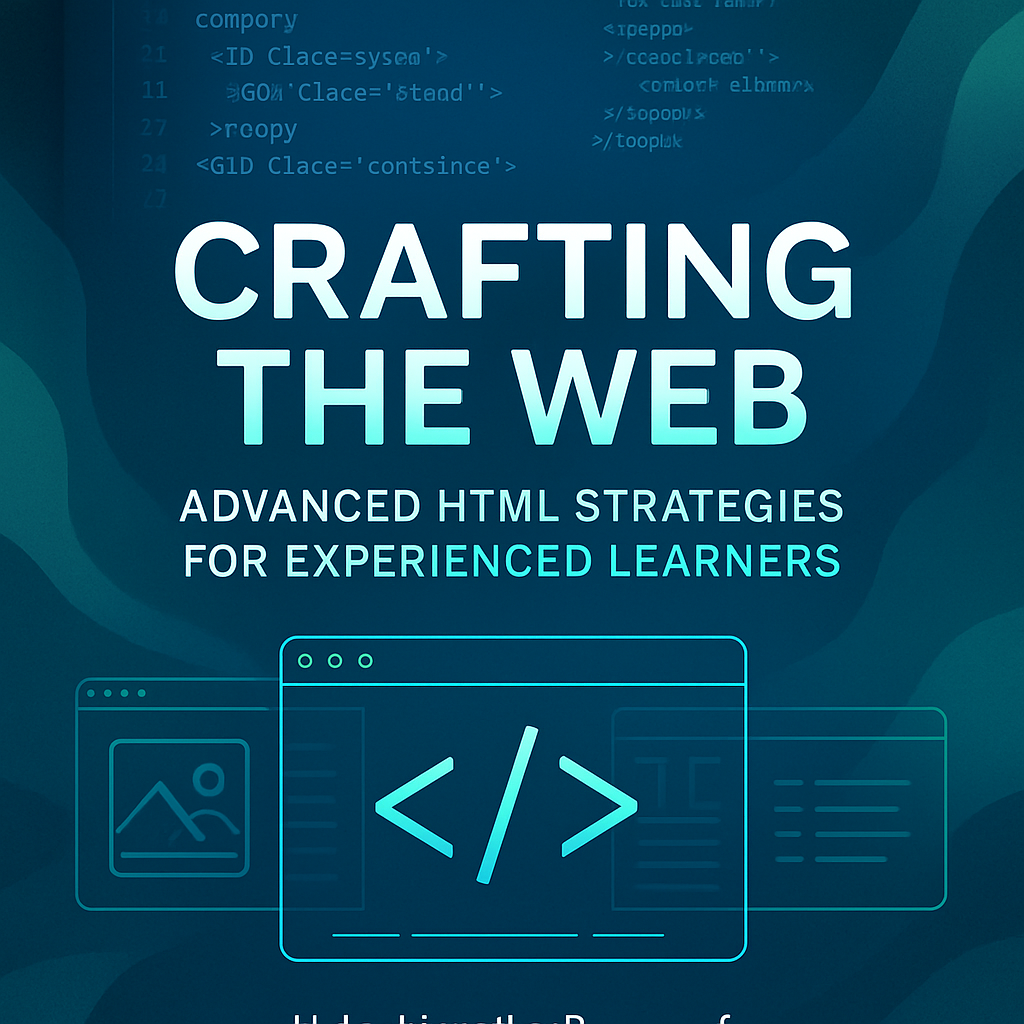
Unlock the full potential of web development with our eCourse, "Crafting the Web: Advanced HTML Strategies for Experienced Learners." Designed for those with a foundational understanding of HTML, this course dives deep into advanced techniques that enhance your web projects. Explore semantic HTML, accessibility best practices, and the integration of modern web design principles. With hands-on exercises and real-world applications, you’ll elevate your skills and create stunning, user-friendly websites. Join us today to master the art of crafting the web and take your development expertise to the next level!
Why people choose Coursera for their career
"I feel excited about my future, and being able to see what's next has really helped me decide what I want to focus my energy on."
"The content is very engaging and the instructors are fantastic. I learned so much about career development and professional communication."
"This course helped me improve my English skills significantly and gave me confidence in job interviews."
"Excellent course structure and practical exercises. The skills I learned here directly helped me land my current job."
The Evolution of HTML +
- The Evolution of HTML
- Introduction
- 1. The Birth of HTML
- 2. HTML 2.0: Standardization
- 3. HTML 3.2 and the Rise of the Browser Wars
- 4. HTML 4.0: The Web Becomes Richer
- 5. XHTML: A More Rigid Syntax
- 6. HTML5: The Game Changer
- 7. The Future of HTML
- Conclusion
Understanding HTML Semantics +
- Understanding HTML Semantics
- Chapter 2: Understanding HTML Semantics
- What are Semantic Elements?
- Why Use Semantic HTML?
- Common Semantic HTML Elements
- Best Practices for Using Semantic HTML
- Conclusion
Advanced Forms and Input Types +
- Chapter 3: Advanced Forms and Input Types
- 3.1 Understanding Form Elements
- 3.2 Input Types Overview
- 3.3 Creating a Simple Form
- 3.4 Enhancing User Experience
- 3.5 Advanced Input Types
- 3.6 JavaScript Enhancements
- 3.7 Conclusion
- 3.5.1 Date and Time Inputs
- 3.5.2 Range Input
- 3.5.3 Color Input
Multimedia Elements and Accessibility +
- Chapter 4: Multimedia Elements and Accessibility
- 4.1 Understanding Multimedia Elements
- 4.2 The Role of Multimedia in Learning
- 4.3 Accessibility Considerations for Multimedia
- 4.4 Creating Accessible Multimedia Content
- 4.5 Tools for Accessibility Evaluation
- 4.6 Conclusion
- 4.7 Resources for Further Learning
Responsive Design with HTML +
- Chapter 5: Responsive Design with HTML
- Understanding Responsive Design
- Fluid Grids
- Flexible Images
- Media Queries
- Implementing Responsive Design
- Best Practices for Responsive Design
- Conclusion
Integrating CSS and JavaScript Efficiently +
- Integrating CSS and JavaScript Efficiently
- Understanding the Importance of Integration
- Best Practices for Integrating CSS and JavaScript
- Using the defer and async Attributes
- Optimizing CSS for Performance
- Optimizing JavaScript for Performance
- Debugging CSS and JavaScript Integration Issues
- Conclusion
- 1. Use External Files
- 2. Load CSS in the Section
- 3. Load JavaScript at the Bottom of the
- 1. The defer Attribute
- 2. The async Attribute
Custom Data Attributes and Microdata +
- Chapter 7: Custom Data Attributes and Microdata
- Understanding Custom Data Attributes
- Microdata: What Is It?
- Combining Custom Data Attributes and Microdata
- Best Practices
- Conclusion
- Why Use Custom Data Attributes?
- How to Create Custom Data Attributes
- Accessing Custom Data Attributes with JavaScript
- Benefits of Microdata
- Implementing Microdata
- Practical Example
HTML5 APIs: Unlocking New Possibilities +
- Chapter 8: HTML5 APIs - Unlocking New Possibilities
- 1. The Importance of HTML5 APIs
- 2. Key HTML5 APIs
- 3. Using HTML5 APIs Together
- 4. Challenges and Considerations
- 5. Conclusion
- 2.1. Canvas API
- 2.2. Web Storage API
- 2.3. Geolocation API
- 2.4. WebSockets API
Web Components: A Modular Approach +
- Web Components: A Modular Approach
- Introduction to Web Components
- What are Web Components?
- Benefits of Using Web Components
- Creating Custom Elements
- Using Shadow DOM
- HTML Templates
- Best Practices for Web Components
- Integration with Frameworks
- Conclusion
- Creating Shadow DOM
- Styling with Shadow DOM
Performance Optimization Techniques +
- Performance Optimization Techniques
- Understanding Performance Optimization
- Key Areas of Focus
- Network Optimization Techniques
- Database Optimization Techniques
- Code Optimization Techniques
- Resource Management Techniques
- Tools for Performance Optimization
- Code Examples
- Conclusion
- Example 1: Database Query Optimization
- Example 2: Caching with PHP
- Example 3: Using Indexes in SQL
Best Practices for HTML Code Quality +
- Best Practices for HTML Code Quality
- 1. Understanding HTML Structure
- 2. Semantic HTML
- 3. Accessibility Considerations
- 4. Code Formatting and Indentation
- 5. HTML Validation
- 6. Performance Optimization
- 7. Mobile Responsiveness
- 8. Use of Comments
- 9. Consistent Naming Conventions
- 10. Regular Code Reviews
- Conclusion
Future Trends in HTML and Web Development +
- Future Trends in HTML and Web Development
- 1. The Rise of HTML5
- 2. Progressive Web Apps (PWAs)
- 3. The Importance of Accessibility
- 4. Embracing Web Components
- 5. The Growth of Low-Code Development
- 6. Artificial Intelligence and Machine Learning
- 7. Serverless Architecture
- 8. The Evolution of CSS
- 9. Enhanced Security Practices
- 10. Conclusion
Student Reviews
0 Reviews
★★★★★
0%
★★★★☆
0%
★★★☆☆
0%
★★☆☆☆
0%
★☆☆☆☆
0%
No reviews yet. Be the first to review this course!